
Showing posts with label digital art. Show all posts
Showing posts with label digital art. Show all posts
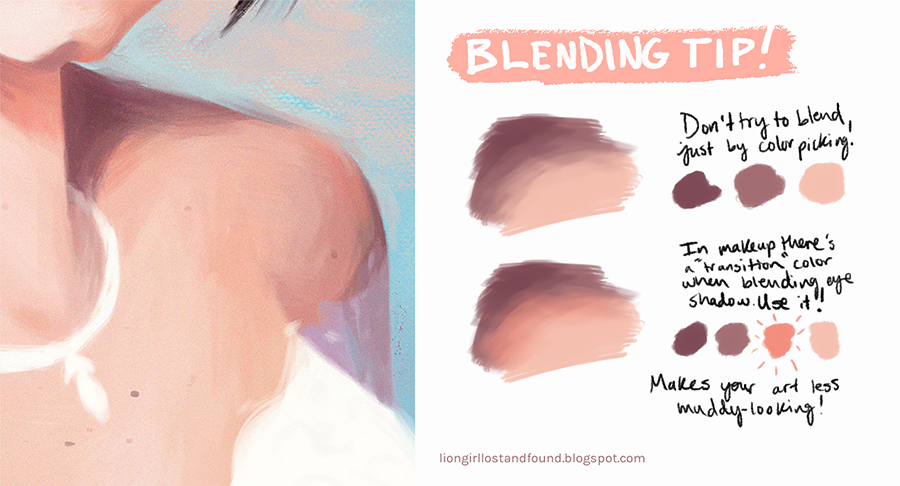
Lo and behold, the first bit of art advice I’ve ever posted to the internet! This blending tip was quickly tossed together almost 3 years ago when my brother asked my sister and me for help with digital art. With all of the rounds it’s made on social media, I decided it was about time I address all of the questions and comments that have come up in one place.
Before I get into it, I want to clarify that this doesn’t only apply to painting skin. At the time I made it, I was working on a portrait for my friend’s birthday and used the colors in the painting to illustrate what I meant. It happened to be the colors I used for her skin, but you can apply this wherever you see fit!
Lo and behold, the first bit of art advice I’ve ever posted to the internet! This blending tip was quickly tossed together almost 3 years ago when my brother asked my sister and me for help with digital art. With all of the rounds it’s made on social media, I decided it was about time I address all of the questions and comments that have come up in one place.
Before I get into it, I want to clarify that this doesn’t only apply to painting skin. At the time I made it, I was working on a portrait for my friend’s birthday and used the colors in the painting to illustrate what I meant. It happened to be the colors I used for her skin, but you can apply this wherever you see fit!

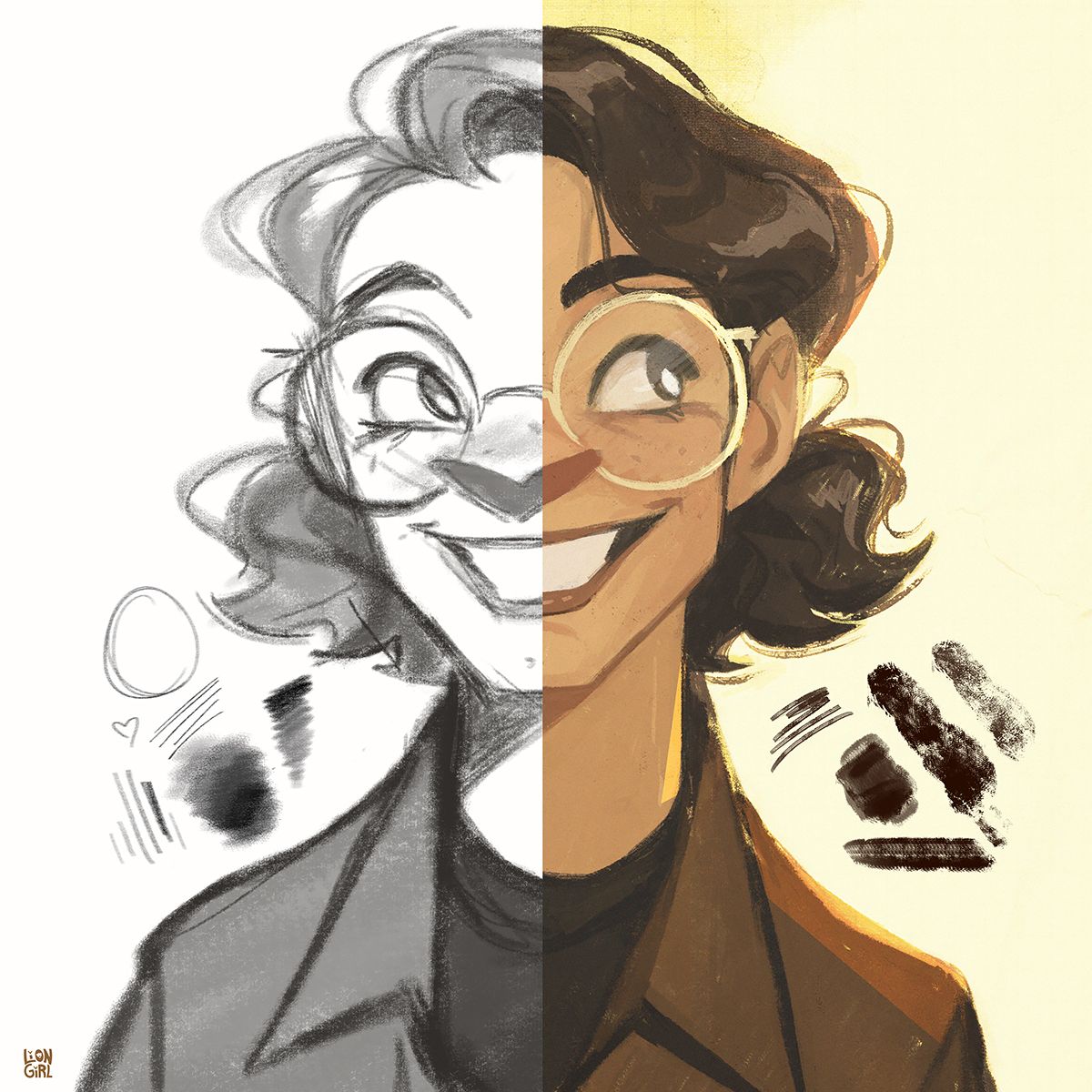
It’s true that the tools don’t make the artist, but it’s still really important to find (or create) brushes that you love to use. Choosing the right brushes for yourself can help you get adjusted to using a tablet if you’re just starting out, or even inspire your creativity. I find that the process of creating a new brush can lead you to ideas you may not have thought of otherwise too. So in this post, I’m going to break down step-by-step how I created two of my favorite custom brushes and give you some tips on how you can create your own! Maybe you’ll love the process as much as I do.
And to celebrate my first blog post, I’m offering both brushes for free! Feel free to skip past the tutorial and just snag the download links at the bottom of this post if that’s what you’re interested in.
It’s true that the tools don’t make the artist, but it’s still really important to find (or create) brushes that you love to use. Choosing the right brushes for yourself can help you get adjusted to using a tablet if you’re just starting out, or even inspire your creativity. I find that the process of creating a new brush can lead you to ideas you may not have thought of otherwise too. So in this post, I’m going to break down step-by-step how I created two of my favorite custom brushes and give you some tips on how you can create your own! Maybe you’ll love the process as much as I do.
And to celebrate my first blog post, I’m offering both brushes for free! Feel free to skip past the tutorial and just snag the download links at the bottom of this post if that’s what you’re interested in.
Subscribe to:
Posts (Atom)


Social Icons